
Stealth Browser
A real browser on residential IPs, metered by traffic. Control Chrome or Firefox from your own code or agent.
Create a browser session
Connect your code and drive the browser
Traffic-based plans
GBResidential traffic
Plan-defined session limits
- Chrome
- Firefox
- API sessions
Pick a plan, pay for traffic.
Session limits are concurrency ceilings, not included browser-hours. Firefox uses two slots per session.
Need 1 TB or more? Contact usBrowsers on our own residential network.
Control browser sessions through one API, without managing browser servers and proxy credentials. Usage is metered in residential traffic.

Stealth Browser quickstart
Create a session, connect your supported client and drive the browser.
Replace YOUR_API_KEY with the key you receive once access is confirmed.
01  Create a browser session

02  Connect to its WebSocket URL

03  Navigate, click and read

04 End the sessionSupported integrations
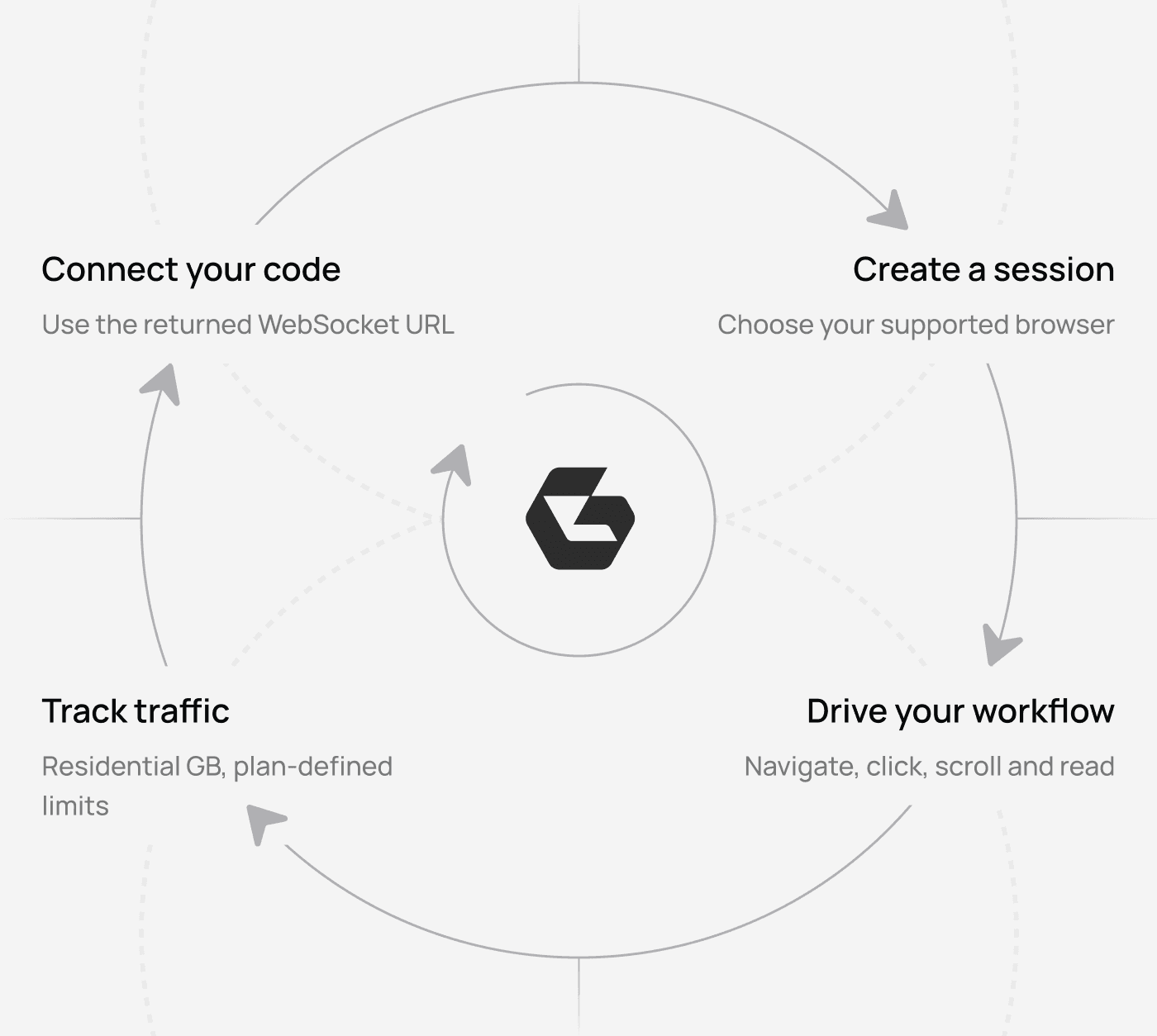
Playwright or PuppeteerFrom access request to browser workflow
Request access
Choose a plan and tell us about your use case.
Confirm your setup
The team confirms the applicable plan terms and access details.
Create a session
Start a session through the API and connect with your supported client.
Drive the browser
Log in, click, scroll and read from your own code or agent.
FAQ
Stealth Browser is a real headful Chrome or Firefox browser running on Geonode's residential network. You create a session through the API and control the browser from your own code or agent. Use the integration supported by your browser: Chrome supports Playwright and Puppeteer; Firefox requires Playwright 1.60.
Usage is metered in residential traffic (GB), not per request. Your plan defines how many sessions can run at once, how long a session can last and its traffic limit.
Use the Request access form to contact Geonode about your use case. The team will confirm access and the applicable plan terms. This page does not offer self-service checkout.
Your applicable traffic rate is defined by the plan terms confirmed for your account. Firefox uses two session slots per session, so the browser you choose affects how many sessions you can run at once. Confirm browser pricing with the team when requesting access.
Startup time varies by configuration. Sessions with Stagehand take longer to start because they do not use a prestarted browser.
When your monthly traffic allowance is exhausted, running sessions stop and new sessions are blocked. The monthly allowance resets on the first day of the month at 00:00 UTC.


A real browser.
Your workflow.
Tell us what you need to automate and choose the right plan for your traffic.
